Equipment rental
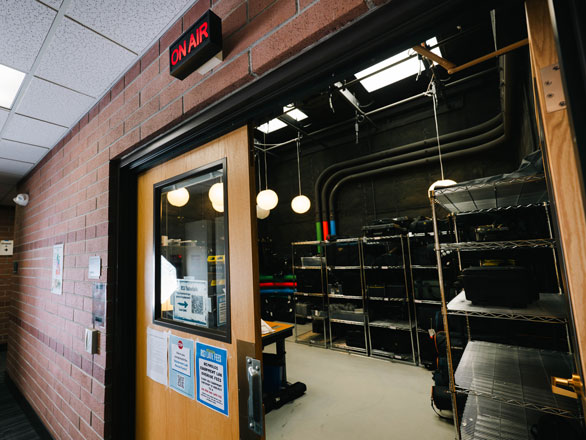
Did you know that Reynolds School students and faculty members can rent multimedia equipment to use for class projects and research?
Equipment rental is available during the semester in the Studio B Equipment Lab (RSJ 116). Before your first equipment rental, you will work with a lab attendant to set up your account. Please bring a valid Wolf Card every time you plan on checking out equipment.
Studio B Checkout Lab hours vary each semester. To find current hours, you can check one of the Reynolds School building's television screens or contact the Dean's Office.
Need to contact someone in the lab? Call (775) 784-4375 during lab hours to speak with an attendant.
Types of equipment for rent*
- Audio recorders
- DLSR cameras, lenses and flashes
- GoPros
- Headphones
- Lights and light stands
- Microphones
- Reflectors
- Tripods and monopods
- Video cameras
*Visit the lab for a full list of equipment and availability. Some equipment is only available to students taking certain courses.
Equipment agreement form
In order to check out equipment from the Reynolds School, all students must have a valid University WolfCard and complete and agree to the terms in the equipment lab agreement form.
Rental equipment tutorials
Watch short tutorial videos that explain how to use rental equipment effectively, safely and successfully.