Microsoft 365 Copilot Chat is a generative artificial intelligence (AI) chat platform currently available to University of Nevada, Reno students, faculty, and staff as part of the university’s existing Microsoft licensing. When you log in to Copilot Chat with your NetID and use the Work option, your prompts, answers, and viewed content are not used to train the underlying large language models.
As with any AI tool, make sure to follow the University’s Guidelines for AI Use.
How to access Copilot Chat
To access Copilot Chat, visit m365.cloud.microsoft/chat and sign in with your University email and password to use the protected version. Copilot works on any browser – however for the most features, the Microsoft Edge browser is recommended.
Use Copilot Chat in a web browser
- In any modern browser, visit m365.cloud.microsoft/chat. (Use the Microsoft Edge browser for access to the most features.)
- At the Sign in prompt from Microsoft enter your NetID@unr.edu email address and click Next. (If you have signed into your University Microsoft account previously, you may be directed straight to step 3.)
- When prompted, select “Work or school account.”
- Enter your password at the following prompt and click Sign in. (You will need to authenticate with multi-factor authentication.)
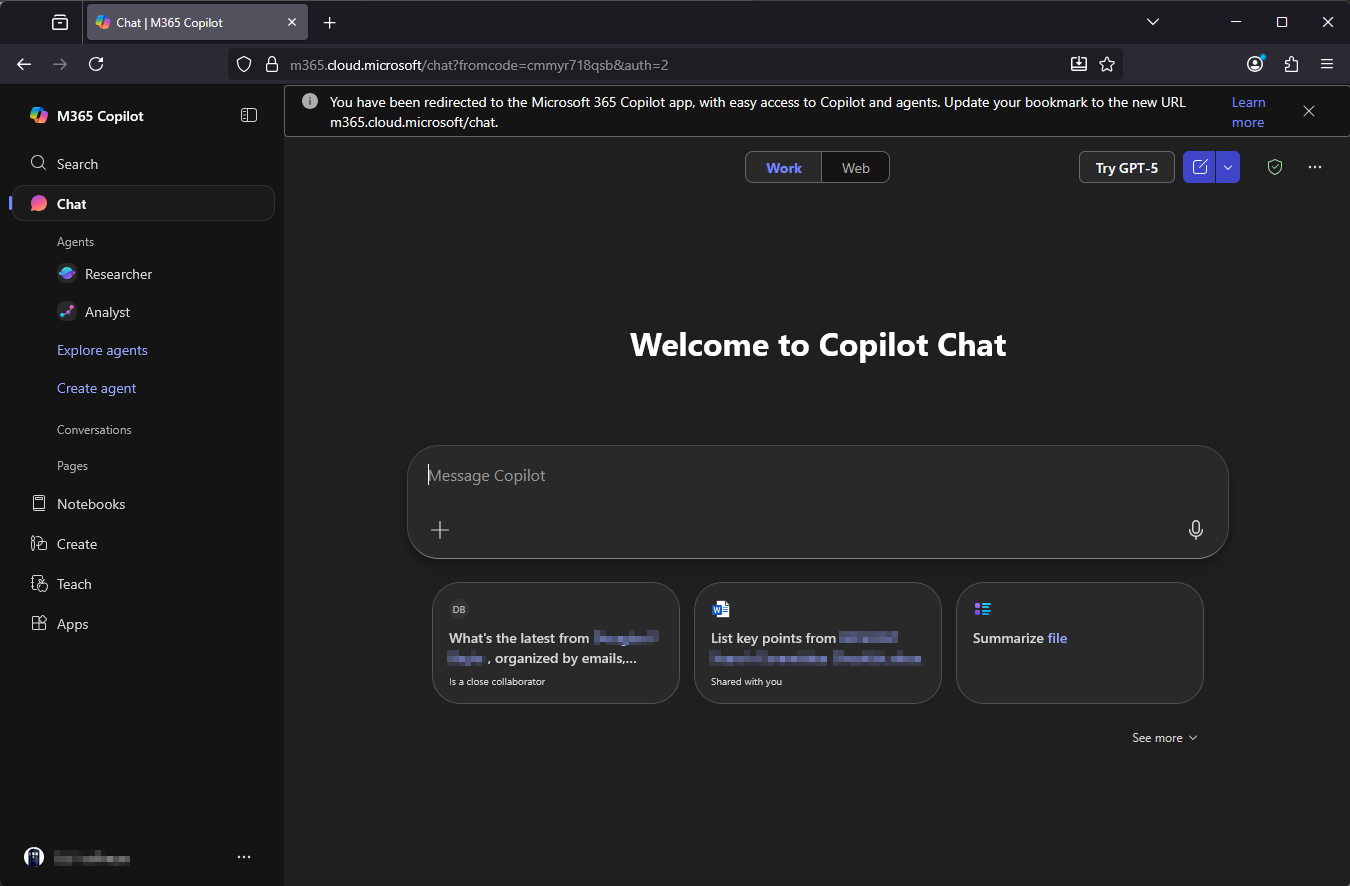
- You will then be taken to the Copilot chat web interface.
Please Note: The first time you sign into Copilot, you may see a message, "Your organization has given you the ability to use Microsoft Copilot with Enterprise Data Protection. You get to decide whether you use this experience. By continuing your interaction with Microsoft Copilot, you are accepting the Terms of use and confirm you have reviewed the Privacy statement."
Select Continue in order to have your interactions covered by the university's contract with Microsoft.